Chess Opening Preparation, Focused on Your Repertoire
Find the games that matter to the openings you actually play. ChessSpider! for Windows connects your personal White and Black repertoires with your PGN collections so you can search, investigate, and prepare more effectively.
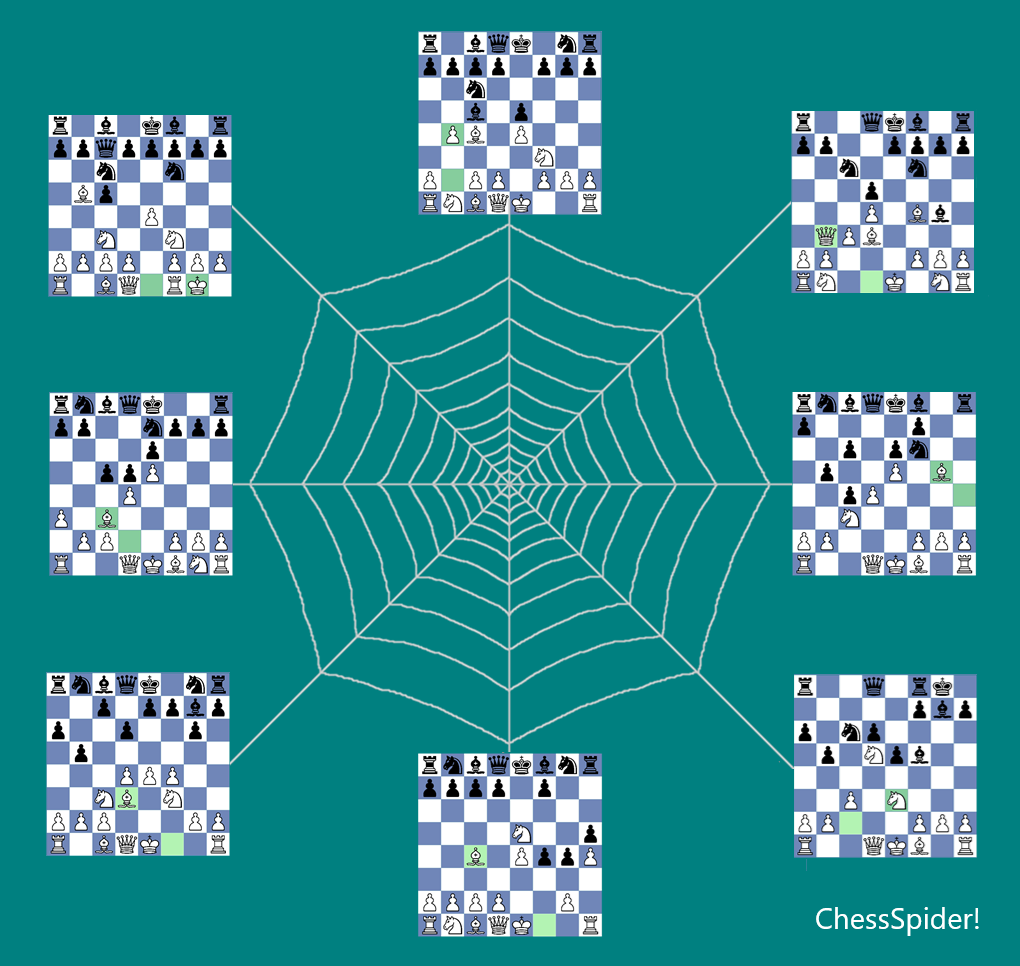
Start With Your Repertoire
Your repertoire defines the positions and variations that matter to your play. ChessSpider! lets you use your repertoire as the starting point: search your PGN collections for games containing your repertoire positions, then examine the games and variations you are interested in.
Learn how ChessSpider! searches PGN collections using your opening repertoire →
See ChessSpider! for Windows in Action
The Essentials
Build Your Repertoire
Create and maintain your own White and Black repertoires using the positions and variations you choose.
Search Your PGNs
Find games containing positions from your repertoire in your own PGN collections.
Investigate the Results
Open the relevant games, examine variations and use them to research the openings you play.
Chess Coaching with Timothy Mifsud

Timothy Mifsud is a FIDE Candidate Master from Malta (2103 Elo) and the developer of ChessSpider!. Youngest-ever Maltese Champion at 14, six-time national winner, and Olympiad player for Malta. He offers online lessons focused on tactics, calculation, positional play and endgames — tailored for beginners to 2000 Elo, in English or Maltese.
Frequently Asked Questions
Does ChessSpider! work with PGN files?
Yes. You can open and search valid PGN game collections, including files containing comments and variations.
Can I manage both White and Black repertoires?
Yes. You can maintain separate White and Black repertoires and organise them around the positions and variations you choose.
Is ChessSpider! for Windows a desktop application?
Yes. ChessSpider! for Windows is installed on your PC and is used for opening preparation, repertoire management and PGN searching. It is separate from ChessSpider!'s Web, the browser-based application.
Which product has the 15-day free trial and €19.99 price?
The 15-day free trial and €19.99 one-time licence are exclusively for ChessSpider! for Windows. They do not apply to ChessSpider!'s Web.
What is included with the Windows purchase?
Every purchase of ChessSpider! for Windows includes SpiderBase26, a free PGN database containing approximately 1.1 million strong master games. This bonus is included at no extra cost with the Windows desktop application.
Try ChessSpider! for Windows Free for 15 Days
Explore a more focused way to prepare the openings you actually play with the Windows desktop application.
Windows only: €19.99 one-time licence · No subscription · Includes SpiderBase26
Download ChessSpider! for Windows